
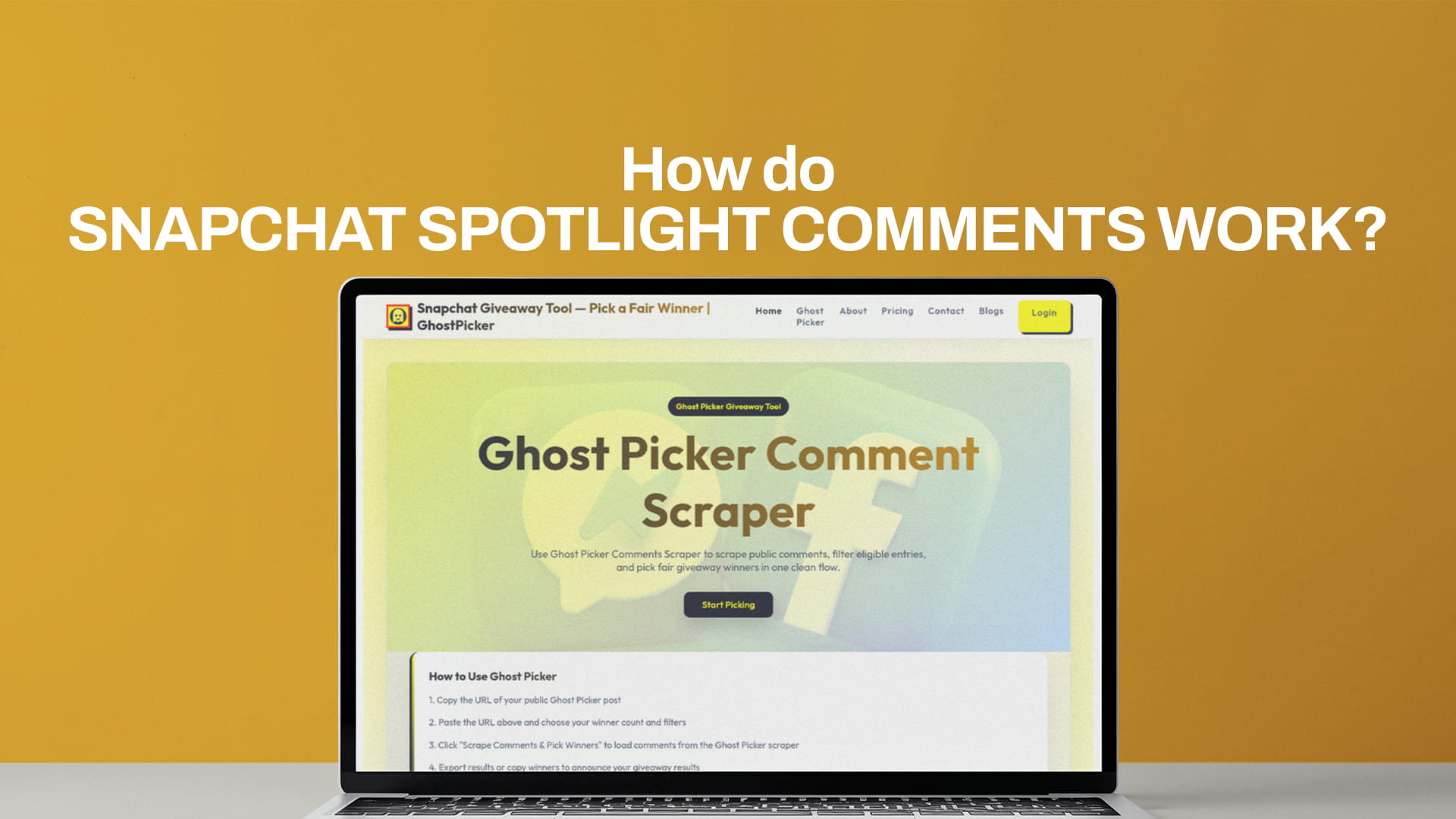
How do Snapchat Spotlight comments work?
Spotlight comments behave differently from comments almost anywhere else, and that trips people up the first time they run a giveaway on Snapchat. The short version: the creator has more control over the comment section than you'd expect, viewers see less of each other's identities than you'd assume, and not every comment people leave actually goes public. Once you understand those three things, collecting entries and picking a winner gets a lot less confusing.
Here's how the whole system works, and how a comment picker fits into it.
A quick history (why comments feel "locked down")
Snapchat launched Spotlight in late 2020 without any comments at all, which felt unusual for a short-form video feed. When commenting did arrive in 2022, Snapchat built it as "Spotlight Replies," a deliberately careful version of comments. Replies were text-only, links weren't allowed, and an automated moderation pass screened for hateful or violent content before anything reached the creator. Most importantly, comments weren't public by default. The creator decided what showed up.
That cautious design is still the backbone of how Spotlight comments work today. Snapchat treats the comment section as something the creator curates, not an open free-for-all. For a regular viewer, that's invisible. For anyone running a contest, it's the whole game.
What a viewer actually sees when they comment
When someone leaves a comment on your Spotlight video, only the first name from their Display Name shows publicly. The rest of their identity stays hidden from the general audience. If that person happens to be Snapchat friends with you, the creator, then you'll see their full Display Name. Everyone else just sees a first name.
This matters more than it sounds. If you run a giveaway and three people commenting all show as "Alex," the public can't tell them apart, but you can see more detail from your side as the creator. It's also why you should never try to identify a winner purely from what's visible to the crowd. You work from your own creator view of the comments, where you have the fuller picture.
Comments are also text-only and link-free, so the entries you collect will be clean text. That's actually convenient for picking a winner later, since there's no media or links to strip out.
The part that catches people: approval
This is the setting that decides whether a comment is real or just sitting in limbo. Snapchat gives creators three comment modes, found under Settings, then Privacy Controls, then Comment Settings:
- Auto-Approve Everyone. Any comment goes live immediately. This is the most open setting.
- Auto-Approve My Friends. Friends' comments post instantly; everyone else waits for you.
- Manual Approval. Nothing goes public until you approve it. If you approve nothing, no comments appear at all.
When manual approval is on, every comment lands as "Pending." In your comments tray you'll see two groups: a Live section for comments you've already approved, and a Pending section for ones waiting on you. You tap Approve to push a comment public, or the X to reject it. From the viewer's side, a pending comment shows as "Pending" to the person who wrote it and isn't visible to anyone else yet.
There's a giveaway trap hiding in here. If you're on manual approval and you don't keep up with the Pending queue, half your entrants think they've entered while their comments never went live. Before you run a draw, decide your approval mode up front. For most giveaways, Auto-Approve Everyone is the sensible choice, because you want every legitimate entry to count without you playing gatekeeper on hundreds of comments.
The other controls you get
Beyond approval, creators can manage the section a few more ways. You can pin a comment to the top of your video, which is the cleanest spot to repeat your giveaway rules. You can delete a comment that's already live if it turns nasty or spammy. You can report a comment that breaks the rules. And if you have a Public Profile and the Spotlight isn't posted anonymously, you can quote an approved comment onto your Public Story as a sticker, which is a nice way to hype a contest or react to an entry.
None of these change the core idea: you, the creator, hold the controls. Spotlight comments are curated by design.
What this means for a giveaway
Put the pieces together and the workflow is straightforward. Set your comment mode so entries actually go live. Let the comments come in during your entry window. When the window closes, you're left with a list of approved, text-only comments in your tray. That list is your pool of entrants.
The mistake is trying to choose from that pool by hand. Scrolling and picking someone isn't random, you can't prove it was fair, and the person who left ten comments effectively gets ten chances. That's where a picker comes in.
How Ghost Picker works
Ghost Picker takes that pool of comments and turns it into a fair, verifiable draw in about a minute. The flow is simple:
- Add your post and comments. Paste your Spotlight URL so the draw is tied to a specific video, then paste the comments themselves, one per line, in the format username: comment. You're working from your approved, live comments.
- Set your rules. Tell the tool how many winners you want and what counts as a valid entry.
- Pick. Ghost Picker shuffles the eligible entries with a seeded random generator and pulls your winner. It runs entirely in your browser and never asks for your Snapchat password.
The reason to trust the result is the seed. Ghost Picker uses a visible random seed to shuffle entries, which means the draw is reproducible. Anyone with the same comment list and the same seed gets the same winner. That turns "it was random, I promise" into something a skeptical entrant can actually check.
How Ghost Picker filters comments
A pure random pick rewards whoever spams the most comments, so the filtering is what makes the draw fair. Ghost Picker reads each comment and lets you narrow the pool before it draws:
- Keyword or hashtag filter. If your entry rule was "comment DONE" or "use #giveaway," switch this on and only comments containing that word qualify. The people who just dropped an emoji get filtered out automatically.
- Tag-a-friend filter. Set a minimum number of @-mentions, and the tool counts the mentions inside each comment. Require one tagged friend, and anyone who didn't tag someone is excluded, which keeps your "tag a friend to enter" rule honest.
- One entry per user. Turn this on, and each username counts a single time, no matter how many comments they left. Someone with thirty comments gets the same odds as someone with one, so spam stops paying off.
- Exclude usernames. Drop in your own brand account, your moderators, or anyone who shouldn't win, and they're removed from the pool before the draw.
After the filters run, Ghost Picker tells you how many entries actually qualified out of the total comments, then draws your winners from only that eligible list. You can open the tool and run a draw at the Snapchat comment picker page.
If you're setting up the contest from scratch, how to run a Snapchat giveaway covers the rules and prizes side.
The takeaway
The thing to remember with Spotlight is that comments are something you curate, not a public scroll. Set your approval mode early so entries actually go live, work from your live comments when the window closes, and let Ghost Picker handle the part everyone's watching. Do that and the comment section stops being a mystery and starts being the most useful tool you've got.